

How multimodel Copilot changes strategy, governance and value realization for the enterprise
For the past two years, enterprise conversations about generative AI have centered on a single question: How fast can we adopt Copilot to boost productivity while staying compliant? That question is evolving.
Microsoft has begun introducing model choice into Microsoft 365 Copilot, which signals a shift from a single default model toward selecting the right model for the right job inside the Microsoft 365 boundary. Anthropic, a public benefit corporation, is committed to ensuring that the advantages of AI are widely shared while minimizing its risks. Their focus is on creating tools, such as systems for selecting the most appropriate AI and Copilot models, that help guarantee AI advancements deliver positive outcomes for humanity.
Practically, this selection starts in two places that matter to enterprises. First, Researcher, a reasoning agent inside Copilot, now lets organizations choose Anthropic’s Claude models for deep, multistep work that spans the web and a user’s Microsoft 365 content. Second, Copilot Studio gives makers a model picker while they build or orchestrate enterprise agents. Both capabilities require explicit admin opt in, and Anthropic models are hosted outside Microsoft managed environments under Anthropic’s terms, which introduces important legal and risk considerations. Independent coverage reinforces the story that OpenAI remains the default in Copilot, while Anthropic becomes an option in defined experiences.
This post explains what changed, why it matters for CIOs, security leaders and digital workplace owners, and how to pilot model choice safely. You will get a clear view of enablement and governance requirements, a decision framework for when to try Claude versus staying with the default path and a measurement approach that turns model choice into a repeatable, policy driven policy-driven practice
What Has Changed and Why it Matters
Microsoft’s move to introduce model choice in Copilot is more than a technical update; it represents a strategic shift for enterprises. Until now, Copilot experiences have relied exclusively on OpenAI models. With the addition of Anthropic’s Claude Sonnet 4 and Opus 4.1, organizations can now align model selection with specific business needs. This flexibility allows teams to optimize for tasks that demand deeper reasoning, structured analysis or long context synthesis, while continuing to use OpenAI for general drafting and summarization.
The change also introduces new governance responsibilities. Because Anthropic models are hosted outside Microsoft managed environments and operate under Anthropic’s terms, enabling them requires deliberate policy updates, legal review and risk assessment. This is not a feature to toggle casually; it calls for a structured approach that includes scenario mapping, security validation and clear accountability.
For business leaders, the implications are significant. Model choice opens the door to improved outcomes in knowledge-intensive workflows, but it also raises the bar for compliance and oversight. Enterprises that treat this as a controlled capability—supported by guardrails, measurement and documented defaults—will be best positioned to capture value without introducing unnecessary risk.
How Model Choice Functions and What You Can Control
Turning on Anthropic models is an explicit administrative choice. Enable access in the Microsoft 365 admin center, scope it to a small pilot group and record that these models are hosted outside Microsoft managed environments under Anthropic’s terms. Treat the change like any vendor introduction by routing it through legal, security and procurement. Keep the pilot narrow so you can validate controls and capture results before expanding.
Your existing Microsoft 365 guardrails still apply, but they deserve a fresh health check before you widen access:
- Confirm that permissions and sensitivity labels are accurate, so Copilot only surfaces content users are allowed to see.
- Reduce oversharing risk by enabling Restricted SharePoint Search for broad queries.
- Require Conditional Access for identities and devices that use Copilot.
- Apply Data Loss Prevention to files and messages produced with Copilot.
- Retain and audit Copilot interactions so they are discoverable for investigations and legal holds.
- Publish a simple policy that maps each approved scenario to a default model and clarifies who may opt in to Anthropic for exceptions.
- Capture those exceptions in a single register along with a short rationale and an owner.
- Add user guidance that explains when to stick with the default and when to try Claude.
- And update your AI Center of Excellence pages so the policy is easy to find.
Measure outcomes rather than access alone. Track adoption signals such as active users and completed tasks, pair them with productivity indicators like time to first draft and minutes saved on research and evaluate quality with citation accuracy and rework rates. Monitor risk via DLP events, label violations and audit anomalies. A short, timeboxed bakeoff with shared prompts and a clear scoring rubric will give you defensible evidence to set scenario defaults and decide whether to expand the pilot.
Security, Privacy and Compliance in Copilot Models
Model choice elevates the governance bar. Once you allow more than one model to operate against your work graph, you need a crisp view of data boundaries, processing locations and accountability. Clarify what content each model can access, where prompts and responses are processed and which party is responsible for safeguarding that data. Because Anthropic models are hosted outside Microsoft managed environments and operate under Anthropic’s terms, record the dataflow differences, note the applicable jurisdictions and document how those flows align with your privacy policy and regulatory obligations.
Update your contracting and policy stack before broad access. Amend your AI use policy so it reflects model choice, intended purposes and prohibited uses. Review or add data processing addenda and vendor risk assessments that cover Anthropic’s hosting, subprocessors, security certifications, incident response and support boundaries. Where required, complete a Data Protection Impact Assessment and refresh your Records of Processing to include prompts, generated outputs and interaction logs. If you publish external privacy notices, add a brief explanation of how employee use of Copilot interacts with personal data, including retention and access rights.
Align operational controls with your legal posture rather than listing them in isolation. Section 2 already established the baseline controls that keep Copilot safe in Microsoft 365. In this section, focus on proof. Ensure you can demonstrate that sensitivity labels are honored end-to-end, that DLP policies are catching inappropriate sharing, and that Conditional Access policies are consistently enforced for pilot users. Turn on logging that ties each Copilot interaction to a user, model selection and policy outcome, then monitor for anomalies such as unusually large exports, repeated access denials or spikes in redactions.
Treat discoverability and retention as first class requirements. Decide how long to retain Copilot interactions and generated artifacts and ensure those items are included in eDiscovery, audit and legal hold workflows. Verify that you can produce a reliable chain of custody for a sample of interactions, including the grounding sources and citations used to create the response. If your industry requires supervision or sampling, incorporate a proportion of Copilot outputs into your review queues and capture remediation notes when quality issues are found.
Finally, operationalize your risk posture so it survives beyond the pilot. Create a simple RACI that names the product owner, security reviewer, privacy lead and help desk path for Copilot questions. Maintain an exceptions register that records any scenario where Anthropic is allowed outside your default policy along with an owner and expiry date. Define a kill switch procedure that pauses access, including who can approve it and how the change is communicated. Close the loop with a quarterly attestation that summarizes control health, incidents and measurable business impact, then share that summary with executive sponsors so leadership sees both risk and return.
Step by Step Mini Guide: How to Choose a Model
Use model choice to improve outcomes, not to chase novelty.
Steps to Follow
- Start by mapping a few high value scenarios and naming a default model for each, then keep that map current as evidence accumulates.
- Claude is a strong candidate when work requires long context reasoning, careful comparison across many documents, policy synthesis with clear citations or structured extraction that must align tightly to a schema. OpenAI remains a reliable default for general drafting, summarization and crossapp productivity tasks inside Microsoft 365, where deep Graph context, familiarity with Office documents and speed to first draft matter most.
- Let risk and policy shape the boundaries for the scenarios.
- If your organization requires processing only inside Microsoft managed environments, stay with the default path. If you allow Anthropic under-documented terms, narrow the first wave to non-sensitive content and roles that already operate with good information hygiene. In regulated functions, confirm that retention, eDiscovery and audit views cover prompts and outputs before making Claude the default for any scenario.
- Treat Copilot Studio as a way to mix and match rather than to crown a single winner amongst the Copilot models.
- Many agentic workflows benefit from routing different steps to different engines, for example, retrieval and ranking with one model, evaluation and drafting with another. Keep the routing rules in configuration so you can adjust them without rebuilding the agent, and store short evaluation notes each time you change the routing, so auditors and future maintainers understand why the choice was made.
- Make the decision measurable. Define success in minutes saved, rework avoided and accuracy or citation quality achieved.
- Run a short, timeboxed bakeoff with shared prompts and a scoring rubric to validate the default for each scenario, then publish the results and the decision. Revisit the map quarterly, since model capabilities evolve and your corpus will change as you improve labeling and container governance.
- Lean in.
- Pick the right model for the right task, keep Microsoft 365 guardrails healthy and measure outcomes so decisions are evidence-based. Start small with a scoped cohort, run a short bakeoff with shared prompts and a clear rubric, then publish scenario defaults and the controls that support them.
If results meet your benchmarks, expand with confidence; if they do not, adjust routing or stay with the default path. Do this well, and you will capture better quality and faster throughput without raising risk, turning model choice into a durable advantage for your enterprise.
Key Takeaways
If you are looking for help putting Copilot model selection into practice, Withum can partner with your team to run a focused model choice pilot. We can validate readiness and controls, set up a safe cohort, design a shared prompt and scoring rubric, run the bakeoff and deliver a short decision brief with scenario defaults and ROI evidence.
AI Solutions That Deliver Results
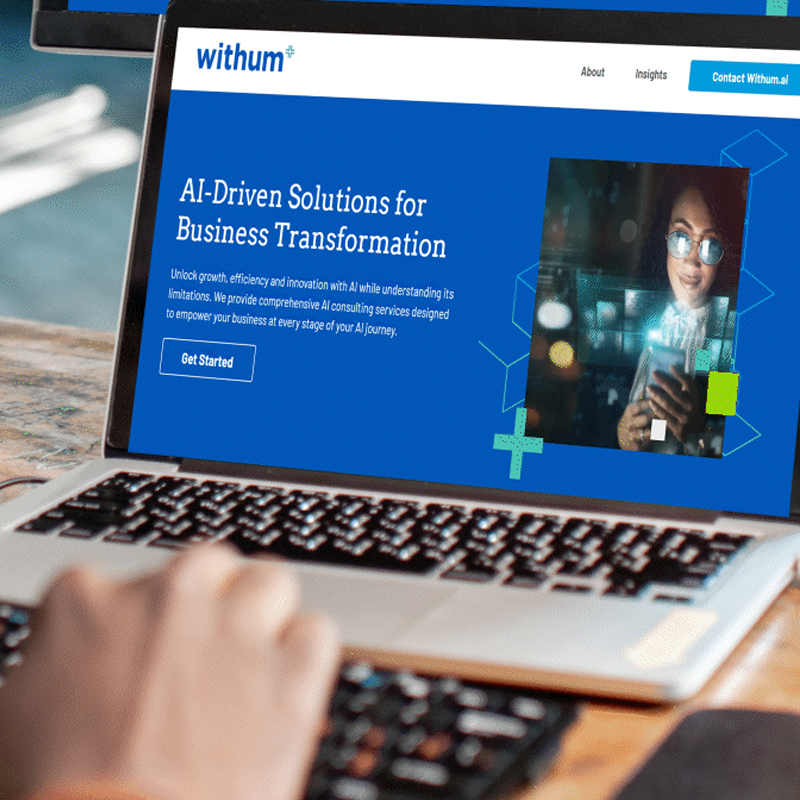
Explore withum.ai, your resource for AI implementation and production-ready solutions. Find expert insights and practical guidance to move your business from ideas to impact.
Contact Us
Ready to turn model choice into a competitive advantage? Reach out to Withum’s AI Services Team today to design your model choice strategy, validate controls and deliver measurable ROI.