
Guide

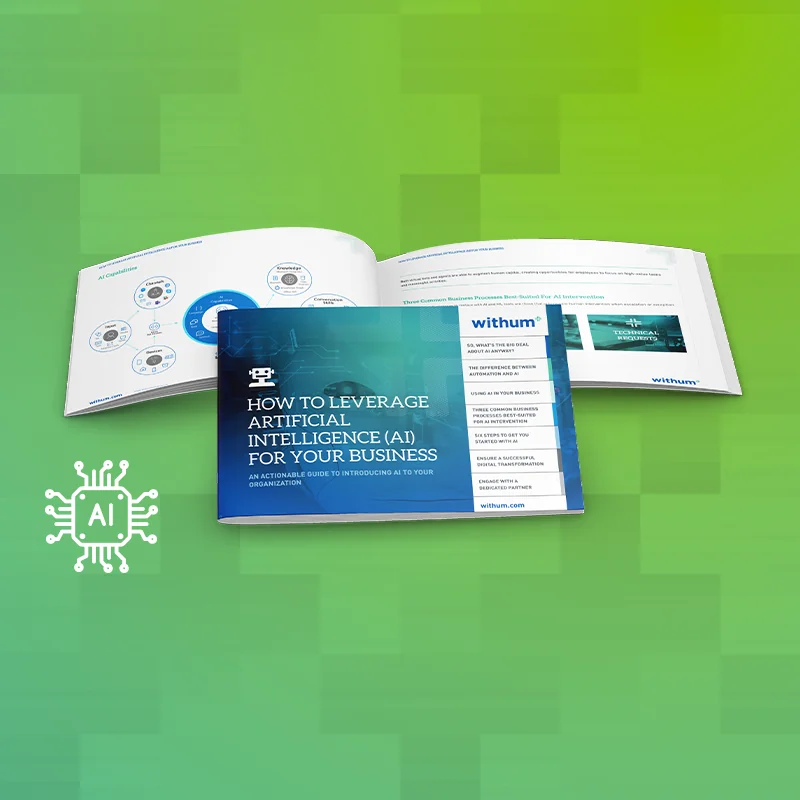
Guide: How to Leverage AI for Your Business

Ai-Booklet-Image-1.png

Transforming Operations with AI

AI has changed our day-to-day relationship with technology. However, knowing the power of AI and using it effectively are two very different things.

This guide serves as a roadmap for how to start and leverage AI’s full potential. After all, AI is more than just Copilot or ChatGPT. We explore real-world applications of AI and Machine Learning (ML), offering actionable insights to optimize business processes, contain costs and maximize human capital.

Download the Guide

What’s Inside?

One of the most exciting ways businesses are leveraging AI is through advanced virtual assistant capabilities. Imagine having a digital colleague that can understand images, process text, and even learn from interactions to provide personalized assistance. With AI-powered virtual assistants, tasks that once required human intervention can now be automated, freeing up valuable time and resources for higher-level strategic initiatives.

And that’s just the beginning! This guide is packed with insights, strategies, and 6 practical steps for how to get started with AI.

Getting Started with AI

Understand the fundamentals and discover how to kickstart AI journey for your business.

AI for Businesses

Explore real-life use cases and learn how leading organizations are leveraging AI tools to drive growth and efficiency.

AI Capabilities

Dive into the advanced features and functionalities of AI tools and technologies, from virtual assistants to cutting-edge machine learning models.

Automation vs AI

Unravel the distinctions between automation and AI and learn why AI is the future of intelligent process automation.

Download the Guide

Related Insights

Read more
view of a hotel management system dashboard.
Why Hospitality ERP Is No Longer Just Back Office

For years, Enterprise Resource Planning (ERP) systems in hospitality were treated as essential, but mostly administrative. They handled accounting, payroll, reporting, and compliance. While certainly important functions, ERPs were not typically viewed as tools that influenced daily operations. In many organizations, ERP was where data landed after the real action had already taken place. That…

Read more
people icons representing different user roles and permissions.
Power Platform Admin Center and User Roles Explained

The Microsoft ecosystem has several admin portals: Microsoft 365 Admin Center, Azure Portal, Microsoft Entra (Azure AD), Intune and more. It is genuinely easy to get lost. The Power Platform Admin Center is its own dedicated space and understanding where it lives, who can access what is inside it and how it supports Power Platform…

Read more
A close-up shot of a digital tablet displaying a concept interface for user access control and permissions management.
A Breakdown of Microsoft 365 Admin Roles and Responsibilities (Previously Office 365 Admin Roles)

In another recent blog post, we talk about how to access Microsoft 365 Defender and Microsoft Purview Compliance Portals (formerly Office 365 Security and Compliance Center) and a set of admin roles used for securing and governing tenant data. In this post, we will cover the various admin roles and responsibilities of Microsoft 365, including the impact…

Want to Know More?

For more information, please contact a member of our team.

Contact us